5 libraries liberated · 9,723 movies indexed · 35,257 hours of cinema
Your Apple TV library, finally portable.
Drop your Library.tvdb. Get a CSV with every movie and show you own. Parsed in your browser.
Free CSV export
Liberate your library now.
Before you start: on your Mac or PC, open the Apple TV app and sign in with your Apple ID. The app writes your purchase list to Library.tvdb — usually within seconds.
Where to find Library.tvdb
Pick the path for your OS:
Windows:
%USERPROFILE%\Videos\Apple TV\Apple TV Library.tvlibrarymacOS:
~/Movies/TV/TV Library.tvlibrary/Library.tvdbDrop Library.tvdb here
Or click to pick from your computer. Parsed in your browser. We keep a copy of your file and its parsed data to improve the importer and our catalog — all uploaded data is automatically deleted after 7 days.
The full app
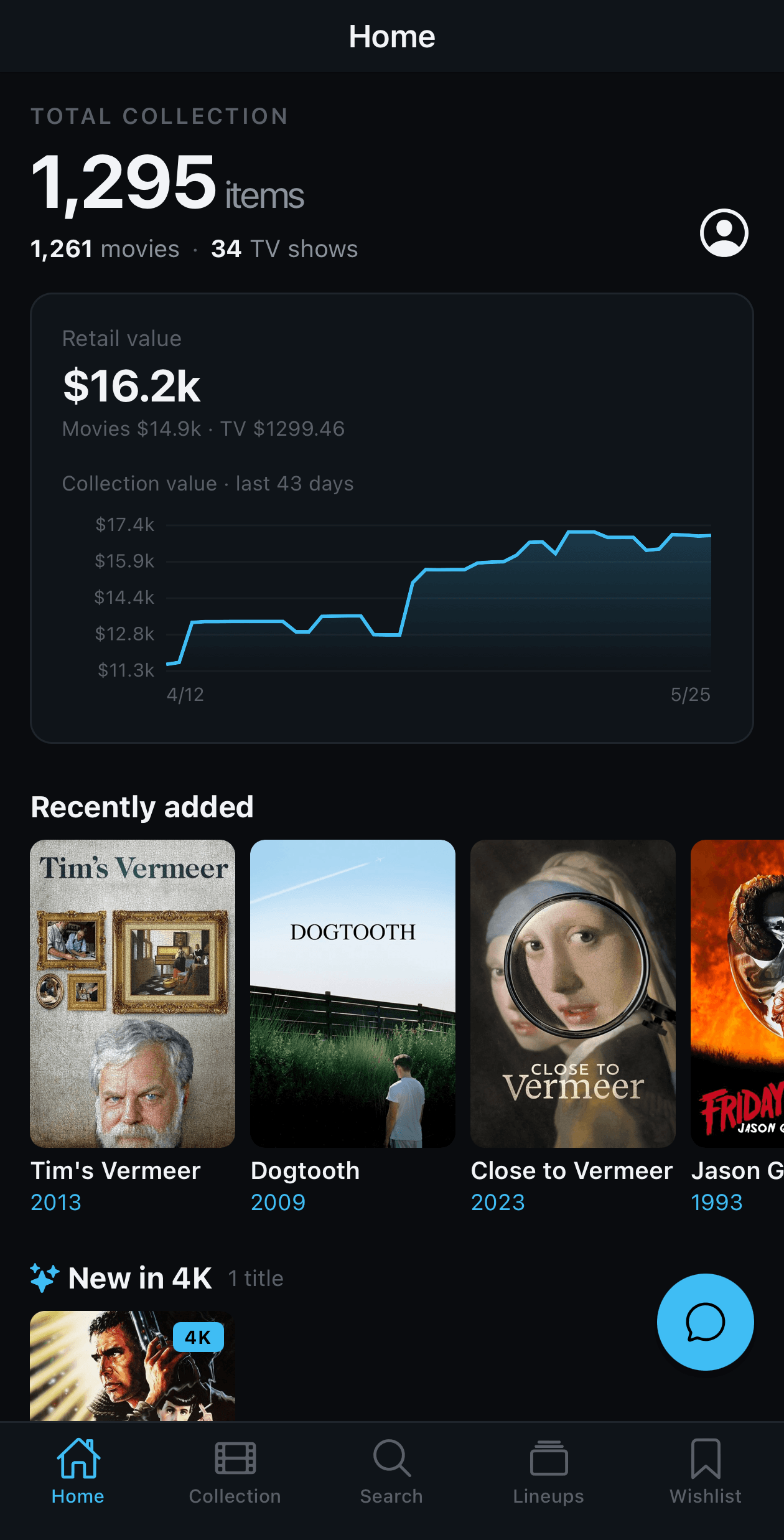
MovieCellar is more than a CSV.
The export is step one. Create your free account to bring your whole library into the full app.
- Build Lineups — playlists for your movies. The thing Apple TV still won't let you do.
- Track sale prices on every movie you own and want.
- Complete the directors, franchises, and collections you love.
- Native iOS + web app — access your library from anywhere.

Create your free account
Free during beta. No credit card.